The upload area supports click selection and drag and drop. It checks the file extension and the 12 MB demo limit before moving into a simulated preparation state. The selected filename, size, and status remain visible so the user can confirm the correct song before continuing. No hidden request runs in the background, and replacing the file resets the local session cleanly.
Free MP3 to MIDI workflow
MP3 to MIDI Converter
Select a song, preview the upload flow, and join the conversion queue. No account or real upload.
Upload an MP3 file
Front-end demo. The file stays in this browser and is never sent to a server.
Drop your MP3 here
Select one MP3 up to 12 MB. The upload progress is simulated locally.
Choose MP3
What is MP3 to MIDI conversion?
An audio recording and a MIDI file describe music in very different ways. An MP3 stores compressed sound, including the voice, instruments, room tone, effects, and every detail mixed into the waveform. MIDI stores musical instructions such as note pitch, start time, duration, and velocity. Converting between them means estimating which notes produced the recorded sound and writing those estimates as editable events.
A practical song to MIDI workflow can help producers rebuild a melody, change an instrument, study a performance, or create a starting point for an arrangement. The result is not a copy of the original sound. It is closer to a draft score that can be moved into a digital audio workstation, assigned to a new instrument, quantized, transposed, and corrected by hand.
This browser converter page currently demonstrates the product experience without pretending that transcription is connected. The file picker is real, the browser validates the MP3, and the interface shows progress and demand states. The audio itself stays on the device. When the main conversion action is pressed, a transparent queue dialog explains that processing capacity is full instead of inventing a result.
Free MP3 to MIDI features
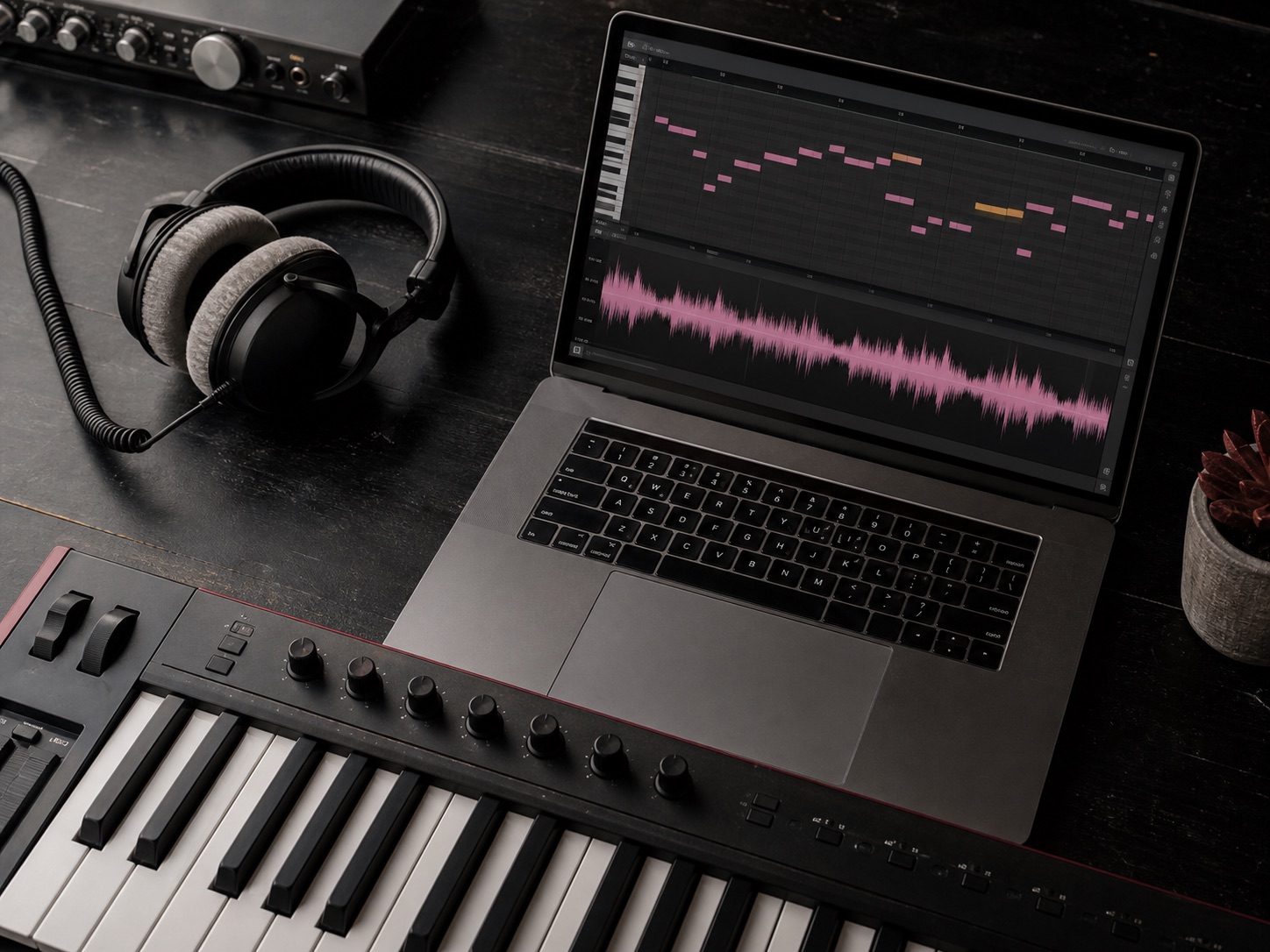
The free MP3 to MIDI interface is designed around one clear task. There are no accounts, pricing gates, format menus, advanced settings, or unrelated creation tools competing with the conversion action. That keeps the path easy to scan on a phone and makes the future backend contract simple: one validated source file, one conversion request, and one queue state.
When demand is high, the dialog displays the current number of people ahead. The estimate moves between five and twenty while the dialog is open. A user can join the simulated queue or close the dialog, with no upgrade button and no secondary action. This online conversion flow follows the reference interaction while matching the quieter magenta visual language used across Hum to Search.
Audio conversion pros and cons
Where it helps
A transcription draft can shorten the path from a recorded idea to editable notes. Musicians can transpose a phrase, inspect timing, test new instruments, or build a practice reference without entering every event manually, especially when the source contains one clear melodic part.
A browser workflow also reduces setup because it needs no plugin format or prepared DAW session. Basic transcription could remain accessible on shared or low-power computers while keeping the first interaction familiar to anyone who has selected and reviewed an audio file online.
Where judgment matters
Automatic transcription remains an estimate. Compression, reverb, noise, pitch bends, overlapping instruments, and dense chords can create missing or incorrect notes. A full song to MIDI conversion is harder than following one melody because several musical sources must be separated first.
Even a strong result needs review. Producers may remove false notes, adjust lengths, simplify velocities, choose instruments, and correct timing. This demo stops before that stage, validating only the upload and queue experience without claiming that its front-end progress bar analyzed the recording.
Why this free MP3 to MIDI demo costs nothing
No account
This browser demo runs as interface state on the device. Selecting a file creates no account record, consumes no conversion credit, and starts no paid compute job. The progress indicator is deliberately short because it only confirms that the local file passed validation. The queue position is also temporary and disappears when the page is refreshed or closed.
Local file
Keeping the prototype local protects unfinished work while the interaction is evaluated. Music files can contain unreleased recordings, client material, classroom performances, or personal voice notes. A real upload service would need clear retention limits, deletion controls, service-provider disclosures, and security monitoring. Those responsibilities should be designed before a backend receives the first track, not added after files have already accumulated.
No hidden result
The free MP3 to MIDI experience therefore makes a narrow promise: users can test selection, validation, preparation, and the high-demand queue without sending their song anywhere. It does not claim to reserve permanent capacity or generate a hidden result. That boundary keeps the page useful today and leaves room for a production engine to be connected later with accurate privacy language and measurable output quality.
How to use MP3 to MIDI online
The online workflow is intentionally short. Every stage gives a visible response, and nothing leaves the current browser tab.
- 01
Choose a clear MP3
Drop one MP3 into the uploader or open the file picker. The demo accepts files up to 12 MB. Check the filename and size shown after selection so you do not continue with an older bounce or the wrong song version.
- 02
Review the local preparation state
Wait for the simulated progress indicator to reach ready. This confirms only that the front-end accepted the file. It is not an audio analysis, and the original MP3 remains on your device throughout the demonstration.
- 03
Open and join the queue
Press the conversion button to open the high-demand dialog. Review the live estimate, join the temporary queue, or close the dialog. The free MP3 to MIDI queue is local to the tab and does not create a background task.
Song to MIDI alternatives
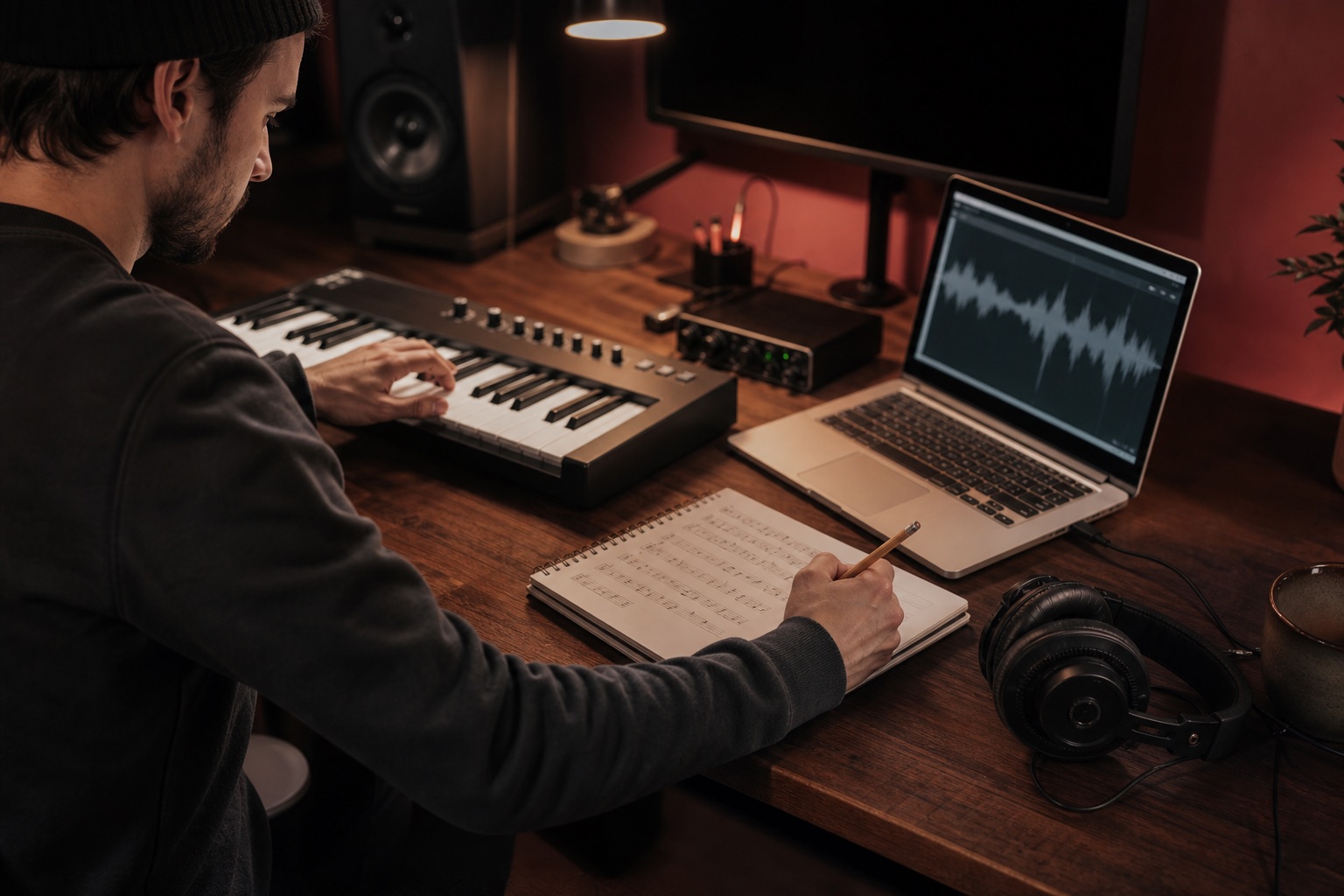
DAW features are often the fastest option when the audio is already inside a production session. Some workstations can extract melody, harmony, rhythm, or pitch information from selected clips. This keeps the source offline and close to the editing tools, although the available modes and quality vary by product and may require a paid desktop license.
Manual transcription remains dependable for short phrases and gives the musician full control over interpretation. Slowing the audio, looping difficult bars, and entering notes by ear takes longer, but it avoids accepting false detections without review. A professional transcriber is valuable for complex arrangements, notation-ready scores, and projects where instrument separation and musical detail matter more than turnaround time.
If the real task is identifying an unknown track rather than rebuilding its notes, use the Hum to Search melody finder instead. Before using any live audio feature, review the site Privacy Policy and Terms of Service. These alternatives solve different problems, so the right choice depends on whether you need identification, editable notes, a complete score, or production-ready multitrack data.
Free MP3 to MIDI FAQ
Is this free MP3 to MIDI converter really free?
Yes. The current tool is a front-end demonstration with no account, payment, credit card, or subscription. It lets you select an MP3 and experience the full upload and queue interface. Because no conversion engine is connected yet, it does not charge you and does not create a downloadable MIDI file.
Does MP3 to MIDI online upload my music?
No. The selected file stays inside your browser session. The progress indicator is simulated, and no audio data is sent to an API, storage service, or database. Refreshing the page clears the selected file and the temporary queue state.
Can this tool convert a full song to MIDI?
The interface accepts a complete MP3, but the current release does not analyze it. A future production version would need a transcription engine designed for the source material. Clear melodies and isolated instruments are usually easier to transcribe than a dense mix with drums, vocals, bass, and effects playing together.
Why does the converter show a queue?
The queue is the final state of this front-end prototype. It demonstrates how the product responds when demand is higher than available processing capacity. The displayed number changes between five and twenty people, but it is not stored and does not reserve server capacity.
Which MP3 files work best for testing?
Choose an MP3 under 12 MB with a clear filename. Since the page only demonstrates the interface, audio quality does not change the result today. For future transcription, a clean vocal line, piano phrase, guitar riff, bass part, or isolated stem would be a better source than a noisy full mix.
Will the future MIDI file work in my DAW?
A connected production version should export a standard .mid file that can be edited in common DAWs and notation software. MIDI stores notes, timing, and velocity rather than the original recorded sound, so users would still choose instruments and refine the transcription after conversion.