Free AI Mastering workflow

AI music mastering for release

Upload a track, shape an AI Audio Mastering profile and join the Free AI Mastering queue.

AI music mastering studio

Front-end demo. Your audio never leaves this browser.

Local preview

Drop a track here

Choose WAV, MP3, FLAC, M4A or AIFF up to 200 MB.

Choose audio
Sound profile
Release target
Processing intensity
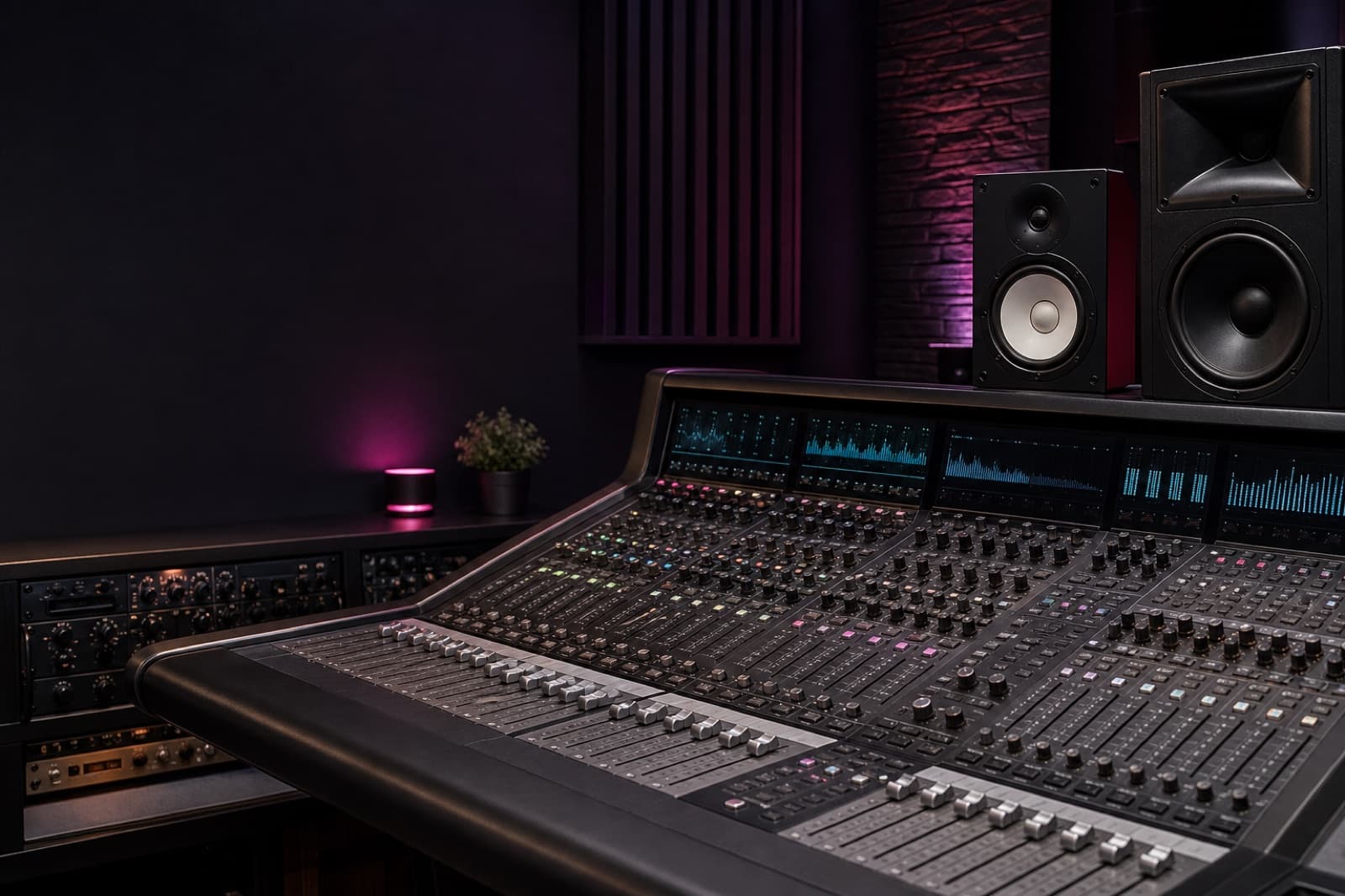
Professional mixing console used to explain AI music mastering

Loudness, tone, dynamics and stereo control

Mastering fundamentals

What is AI music mastering?

AI music mastering prepares a completed mix for release by examining loudness, tonal balance, peak level, dynamic range and stereo behavior. It turns those measurements into practical processing choices while keeping the musical intent clear across headphones, speakers and streaming playback.

A production system may apply equalization, compression, saturation, stereo control and limiting. The useful result is not simply a louder song, but a controlled master that translates consistently without flattening the character, movement or emotional focus established in the mix.

This page presents automated audio mastering as an interactive front-end prototype. Choose a local audio file, select a sound profile, set a release target and submit the job to explore the decisions a connected mastering service would normally collect.

The browser never transfers the selected file and never claims to produce a finished master. That boundary keeps the demonstration honest while the responsive interface, keyboard behavior, local preview and high-demand queue can be tested before any processing infrastructure is added.

A useful automated mastering product should make its limits visible. Source quality still matters, clipped mixes cannot be fully repaired, and one preset cannot suit every genre, arrangement or release context without careful listening from the artist.

The best systems suggest a starting point while leaving enough context for human judgment. This demo follows that principle by exposing understandable creative choices and a transparent stopping point instead of hiding the workflow behind a mysterious one-click promise.
Inside the workflow

AI Audio Mastering features for a focused workflow

Local file flow

Select a supported track through the local file picker or drag-and-drop area. A temporary browser URL powers the preview, while the file name, format, size and simulated progress remain visible. Replacing the file resets the session without a network request.

Release profiles

AI Audio Mastering controls organize genre, release target and processing intensity into clear choices. They do not alter local audio in this prototype; they validate hierarchy, keyboard access, mobile wrapping and the path from an empty state to a configured request.

Transparent queue

The final action opens a high-demand dialog instead of contacting a backend. Free AI Mastering queue demand moves between five and twenty people, while joining reserves a simulated position for the current tab and closing returns directly to the studio.

Pros and limits of AI music mastering

Faster direction

AI music mastering speeds up early release decisions. Artists can compare sensible directions without building a complex plugin chain, while repeatable analysis can expose excessive peaks or uneven spectral balance and provide a more focused reference for the next listening pass.

Repeatable review

AI Audio Mastering can apply the same measurement rules across several tracks, helping a session maintain comparable playback levels. A clear interface also translates technical compressor and loudness terms into practical choices that newer producers can review with greater confidence.

Where judgment matters

Free AI Mastering still requires judgment. Automated processing cannot understand every arrangement, and aggressive settings may flatten transients or emphasize harsh frequencies. Treat the output as a reference until it has been checked across several reliable speakers and headphones.

Private by design

Free AI Mastering with no account required

0

accounts

0

server uploads

Local

preview

Privacy PolicyTerms of ServiceTry Hum to Search

This Free AI Mastering prototype does not request an email address, payment method or account. The local preview comes directly from the file on your device, and the simulated upload completes entirely within front-end state for the current browser tab.

Because no processing server is connected, the page cannot create a downloadable master or preserve a queue position after the tab closes. Every visible state is intentionally temporary, making the current limits clear before a user entrusts the product with music.

This approach supports product validation before the cost and privacy obligations of real audio processing are introduced. The upload area, preview, controls and high-demand dialog can be tested without unfinished infrastructure collecting original recordings or other valuable creative files.

When a production engine is connected, its retention period, deletion controls, subprocessors and storage locations should be disclosed before the first real upload. Those details belong in the Privacy Policy and Terms of Service, not in an ambiguous interface promise.

A future paid tier is not represented here. The goal is to make AI music mastering approachable and demonstrate the complete request flow without hiding core actions behind registration, billing details or a misleading claim that processing has already taken place.

Users can inspect the controls, select a track and reach the queue without sharing personal information. Before using any live recognition feature elsewhere on the site, review the linked privacy and service terms to understand how connected functionality handles data.

Three-step release check

How to use AI music mastering for a release check

  1. 01

    Prepare the mix

    Start with the best available mix. Leave headroom, avoid clipping and export at the original sample rate when possible. Select that file in the studio, then use the local preview to confirm that you chose the correct version before continuing.

  2. 02

    Set the direction

    Choose the profile that matches the arrangement rather than the most fashionable label. In a connected AI Audio Mastering system, release target and moderate intensity would guide analysis; here, they persist in browser state and prepare the queue interaction.

  3. 03

    Review demand

    Press the mastering button and review the demand dialog. Join the queue or close it to revise settings. A real AI music mastering workflow would later add loudness-matched comparison, quality checks and output, which remain intentionally absent from this prototype.

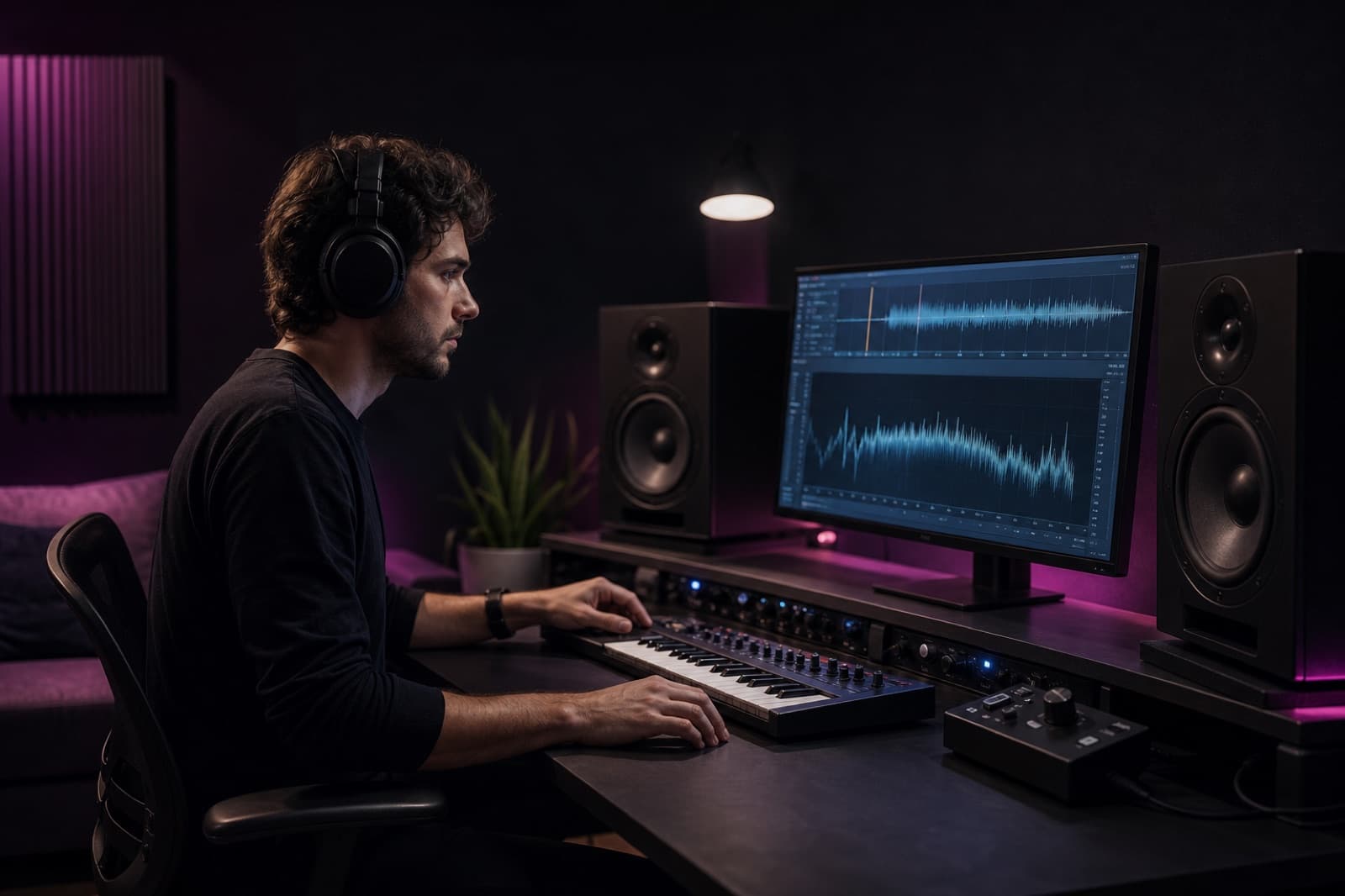
Music producer reviewing an AI Audio Mastering waveform in a studio

Choose the workflow that fits the release, budget and need for human revision.

Compare the paths

AI Audio Mastering alternatives and trade-offs

Desktop software

Browser-based AI Audio Mastering offers a quick route to a release reference. Desktop software provides deeper offline control, but requires more technical knowledge, while preset plugin chains can encourage the same processing curve even when different material needs a different approach.

Mastering engineer

A professional mastering engineer contributes trained monitoring, a calibrated room and direct discussion about the release. This route costs more time and budget, but remains the strongest choice for demanding singles, albums, multiple delivery formats and projects where revisions matter.

Structured review

AI Audio Mastering can work between those options as a structured review step. Measurements may identify a problem before the creator returns to the mix, keeping revision possible and leaving the final listening decision with the artist instead of the automation.

Accessible first pass

Free AI Mastering is useful as an accessible first pass, learning reference or fast direction check. It should not replace engineering judgment, so this page keeps settings simple, audio local and the workflow stopped at a transparent demonstration queue.

AI music mastering FAQ

Is this AI music mastering tool free?

Yes. This Free AI Mastering interface can be explored without an account. The current version demonstrates upload, sound selection and queue states in the browser. It does not send audio to a processing service, create a finished master or charge for a result.

Does AI Audio Mastering upload my song?

No. In this front-end demonstration, the selected file remains on your device and the audio player uses a temporary local browser URL. AI Audio Mastering controls are simulated, and closing or refreshing the page clears the current session.

Which files can I select?

The uploader accepts WAV, MP3, FLAC, M4A, AIFF and AIF files up to 200 MB. Browser playback support differs by format, so WAV and MP3 are the most reliable choices for testing the local preview.

Why do I see a queue instead of a finished master?

The queue is the final state of this front-end prototype. It demonstrates the high-demand interaction requested for the page while the real mastering engine, storage and job database remain intentionally disconnected.

Can I release music made with this demo?

The demo does not alter or export your recording, so there is no processed result to release. Keep your original file and use a verified production workflow before distributing music to streaming platforms.